Notifications & Alerts
PrediX delivers notifications across multiple channels: push, email, Discord, Telegram, and in-app - with granular controls for every event type.
How notifications work
Section titled “How notifications work”PrediX groups notifications into six categories: trading, market events, LP, social, rewards, and governance. Each category can be toggled independently per channel, so you can receive order fills via push, rewards as a weekly email, and skip the rest.
All notifications respect a strict per-channel preferences matrix. Marketing is off by default and only sent if you explicitly opt in.
Delivery Channels
Section titled “Delivery Channels”PrediX supports five delivery channels covering web, mobile, and external messaging platforms.
| Channel | Realtime | Setup | Best for |
|---|---|---|---|
| In-app | ✅ |
|
|
| Browser push | ✅ |
|
|
| Mobile push | ✅ |
|
|
| ❌ |
|
|
|
| Discord webhook | ✅ |
|
|
| Telegram bot | ✅ |
|
|
Notification Types
Section titled “Notification Types”PrediX groups notifications into six categories. Each category can be toggled independently per channel - for example, order fills via push, rewards via email only.
1. Trading
Section titled “1. Trading”Events tied to your orders and open positions.
- Order fill - limit order matched (full or partial).
- Order cancel - cancelled by you or due to market resolution.
- Slippage exceeded - transaction failed due to slippage.
- Position underwater - position > $50 with unrealized loss > 20%.
2. Market events
Section titled “2. Market events”Lifecycle changes on markets where you hold tokens.
- Resolve - a market you hold tokens in has resolved.
- Refund mode enabled - a market you hold tokens in has entered refund mode.
- Pause - a market you hold tokens in has been paused.
- EndTime warning - a market you hold tokens in is < 24h, < 1h, or < 10 minutes from endTime.
3. Liquidity Provider
Section titled “3. Liquidity Provider”Events for liquidity provider positions.
- Fee accrued - uncollected fees exceed $X.
- Out of range - a concentrated LP position has moved out of its price range.
- Pool paused - pool closed due to market resolution.
4. Socials
Section titled “4. Socials”Interactions from other users.
- New follower
- A trader you follow opened a large position.
- Comment / reply on a market you commented on.
- Mention in a discussion.
5. Rewards
Section titled “5. Rewards”Incentive and program milestones.
- Badge earned
- Streak milestone (7/30/100 days).
- Weekly PRX distribution ready to claim.
- Referral commission received.
6. Governance
Section titled “6. Governance”Protocol-level voting and decision events.
- New vePRX proposal (if you are a voter).
- Voting deadline approaching.
- New gauge vote epoch.
Price Alerts
Section titled “Price Alerts”Price alerts let you set custom triggers on any market. Conditions are evaluated every block by the indexer, and the alert fires the moment the condition becomes true.
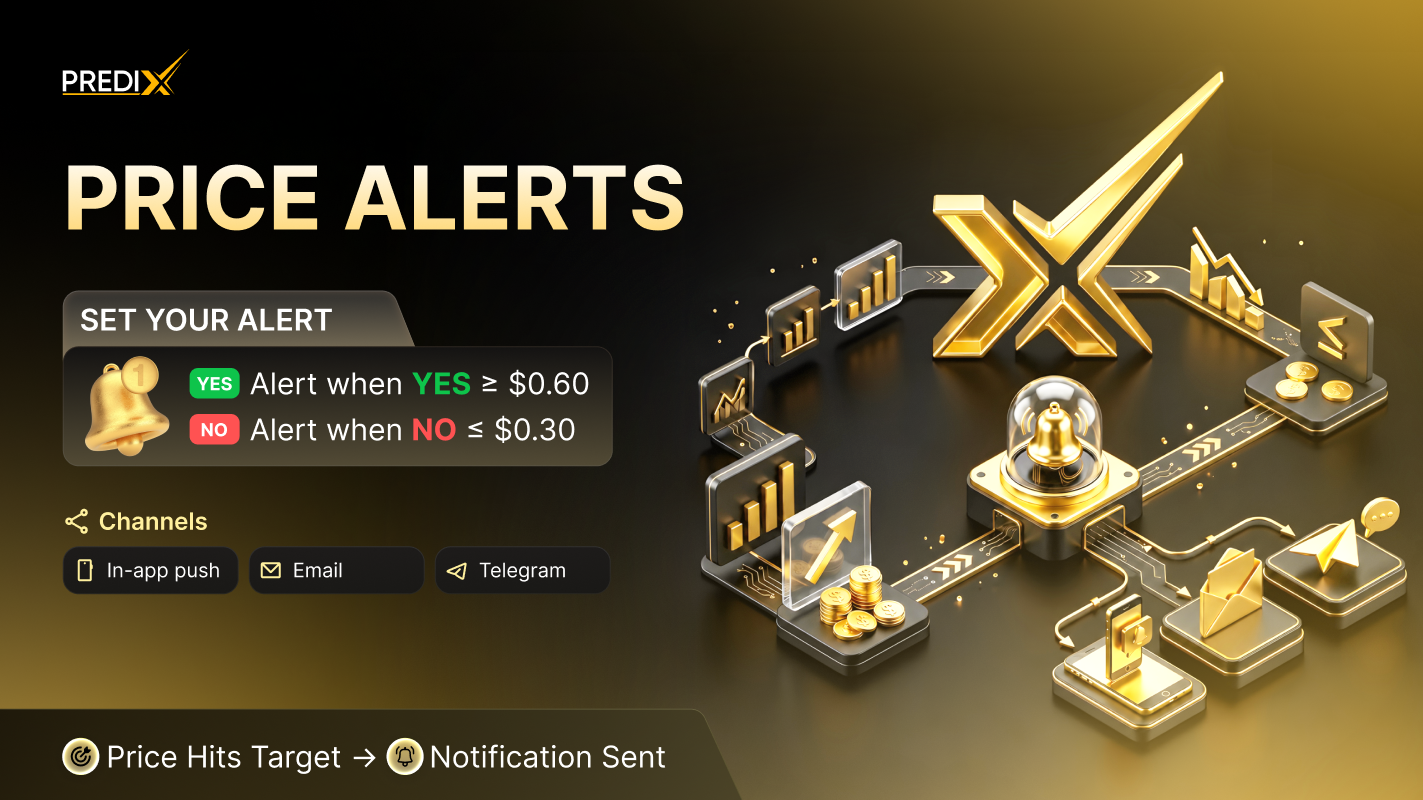
Price alert setting PrediX
Setting up an alert
Section titled “Setting up an alert”-
Step 1: Access the Alert Menu
- Navigate to the Market Detail Page.
- Click on the Bell Icon to open the notification settings.
-
Step 2: Choose a Condition
Select the specific market trigger you want to monitor:
- Price above $X: Triggers when the price rises above your set target.
- Price below $X: Triggers when the price drops below your set target.
- Price change >= Y%: Triggers if the price fluctuates by $$ $Y%$ $$ or more within a 2-hour window.
- Volume spike >= X%: Triggers if the trading volume increases by $$ $X%$ $$ compared to the 24h average.
-
Step 3: Select a Notification Channel
Choose where you would like to receive your alerts:
- Push: Real-time mobile notifications.
- Email: Direct alerts to your inbox.
- Telegram: Instant messages via the Telegram bot.
-
Step 4: Save and Activate
- Review your settings to ensure accuracy.
- Click Save to activate your alert.
Limits
Section titled “Limits”Active alert capacity scales with PRX stake:
| Tier | Active alerts |
|---|---|
| Free | 50 |
| Stake 1k+ PRX | 200 |
| Stake 10k+ PRX | Unlimited |
Notification Preferences
Section titled “Notification Preferences”Visit /settings/notifications for the full granular control matrix.
| Type | In-app | Push | Discord | Telegram | |
|---|---|---|---|---|---|
| Order fill | ✅ | ✅ | ❌ | ✅ | ✅ |
| Market resolve | ✅ | ✅ | ✅ | Yes | ✅ |
| Price alert | ✅ | ✅ | ✅ | ✅ | ✅ |
| Daily digest | ❌ | ❌ | ✅ | ❌ | ❌ |
| Marketing | ❌ | ❌ | ❌ | ❌ | ❌ |