Additional Features
This section covers the user-facing features inside the PrediX app, the tools traders use day-to-day to research markets, place trades, manage positions, and engage with the community.
Each feature is documented as its own page with setup steps, configuration options, and developer APIs where relevant.
What’s inside
Section titled “What’s inside”PrediX features are organized into five core areas:
| Cover image | ||||||
|---|---|---|---|---|---|---|
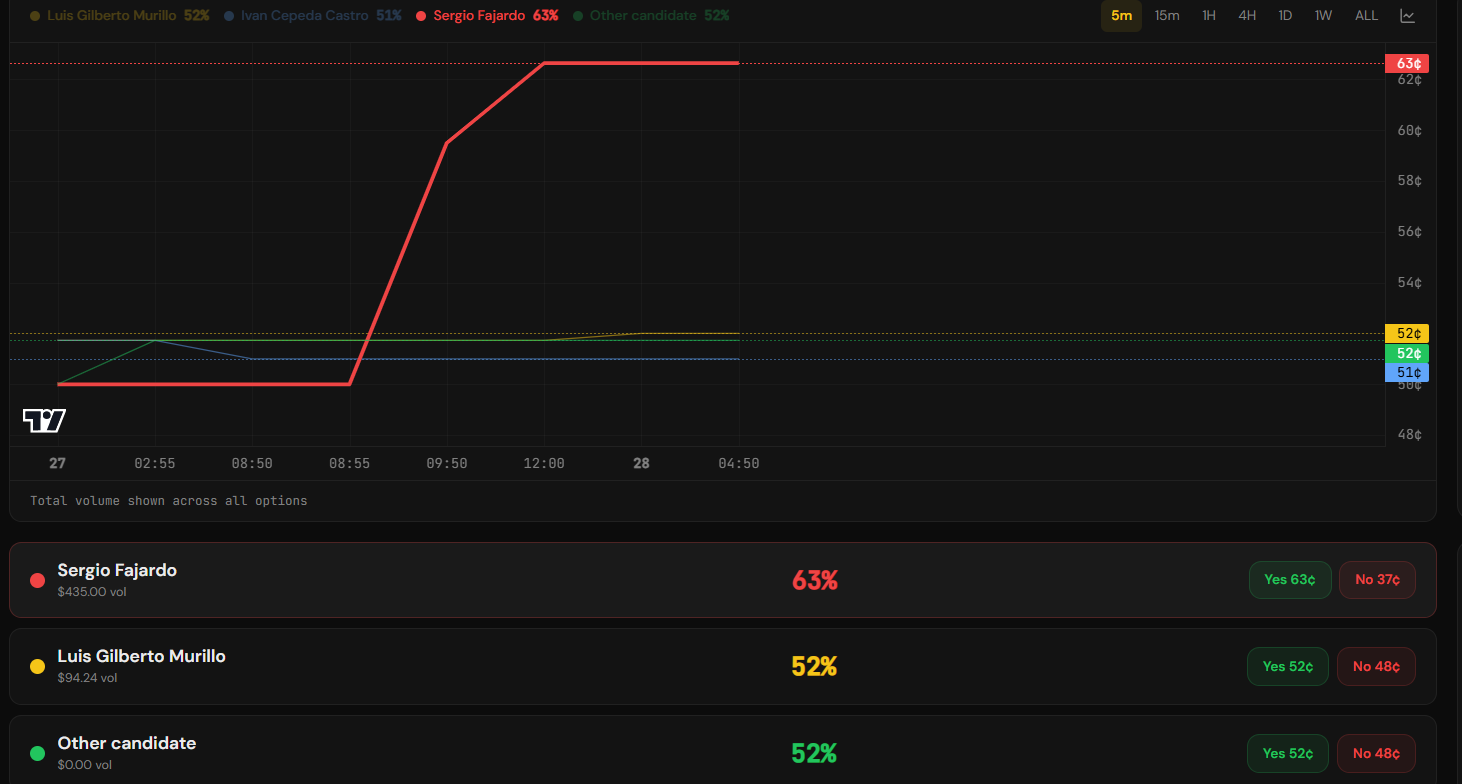
| Chart & Timeframe | Read OHLC charts, switch timeframes, apply indicators, compare markets, and view multi-outcome event overlays. | chart-timeframe.md | 39.png | chart-timeframe.md | growth (2).png | null |
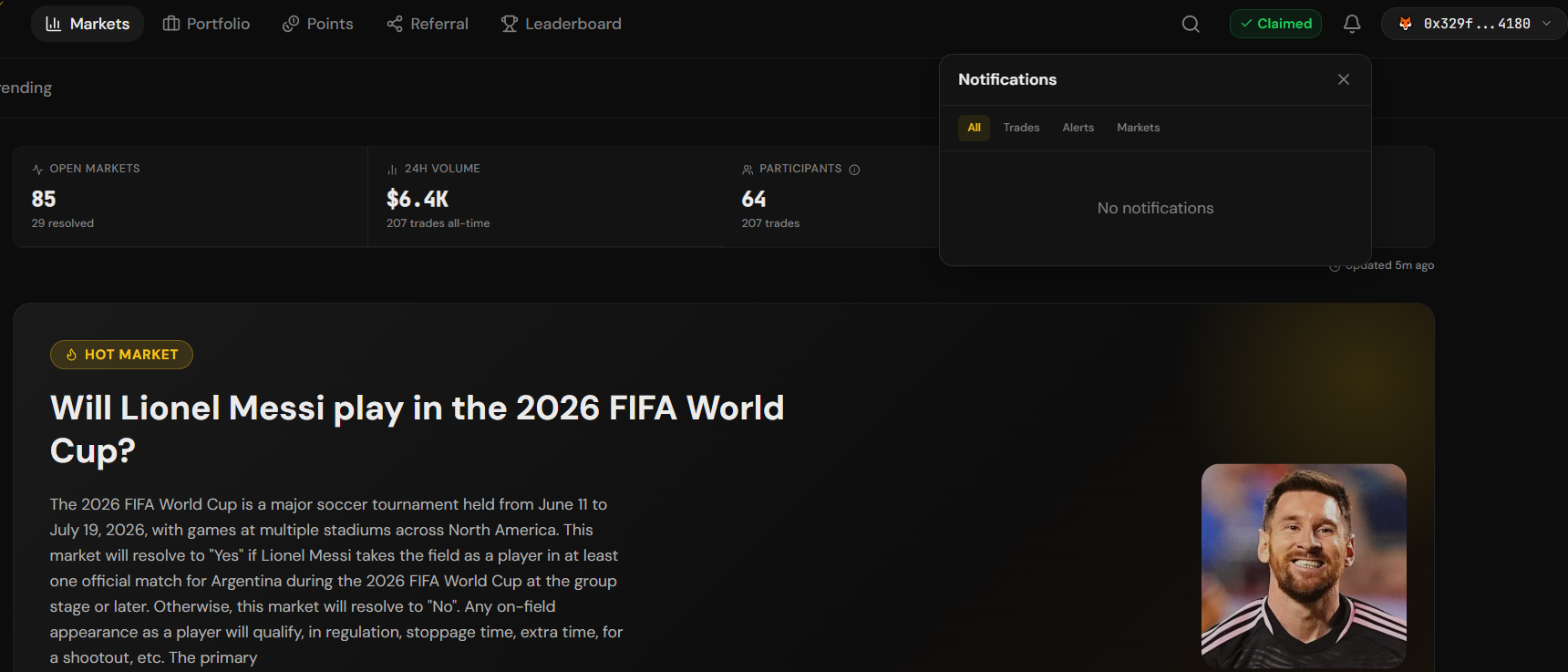
| Notifications & Alerts | Configure push, email, Discord, and Telegram channels; set custom price alerts; receive daily and weekly digests. | notifications-and-alerts.md | 40.png | notifications-and-alerts.md | null | |
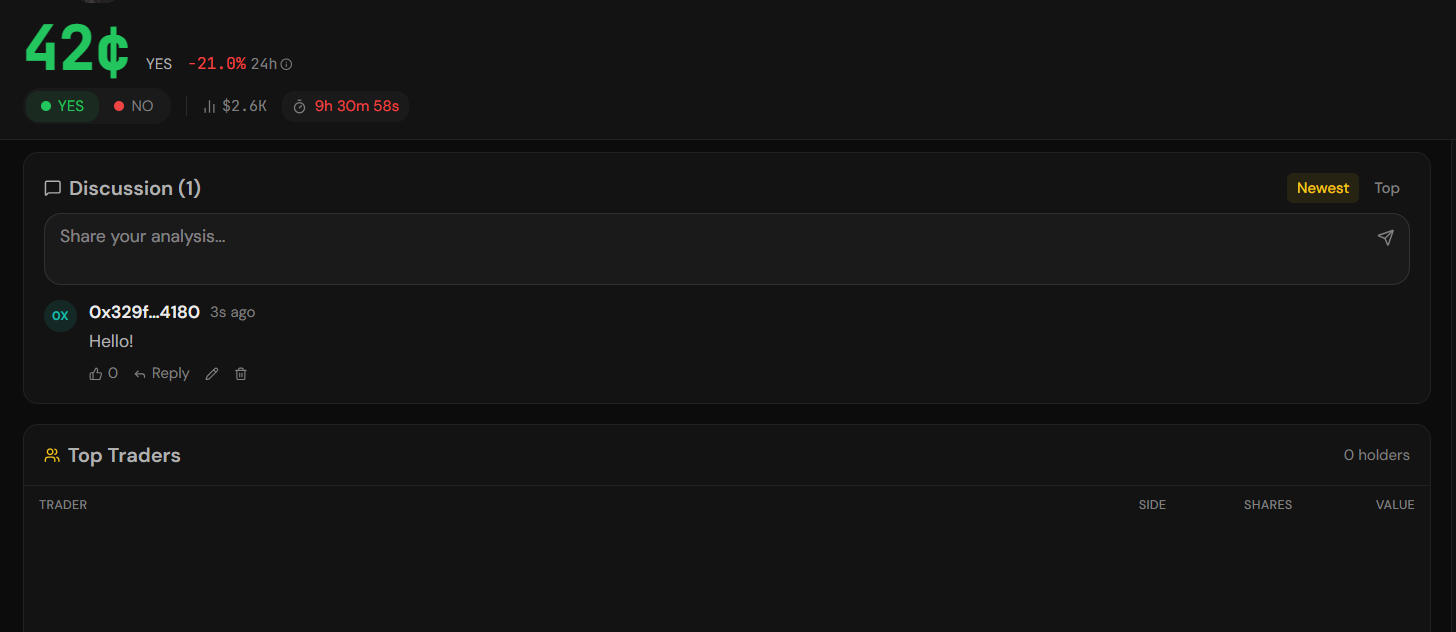
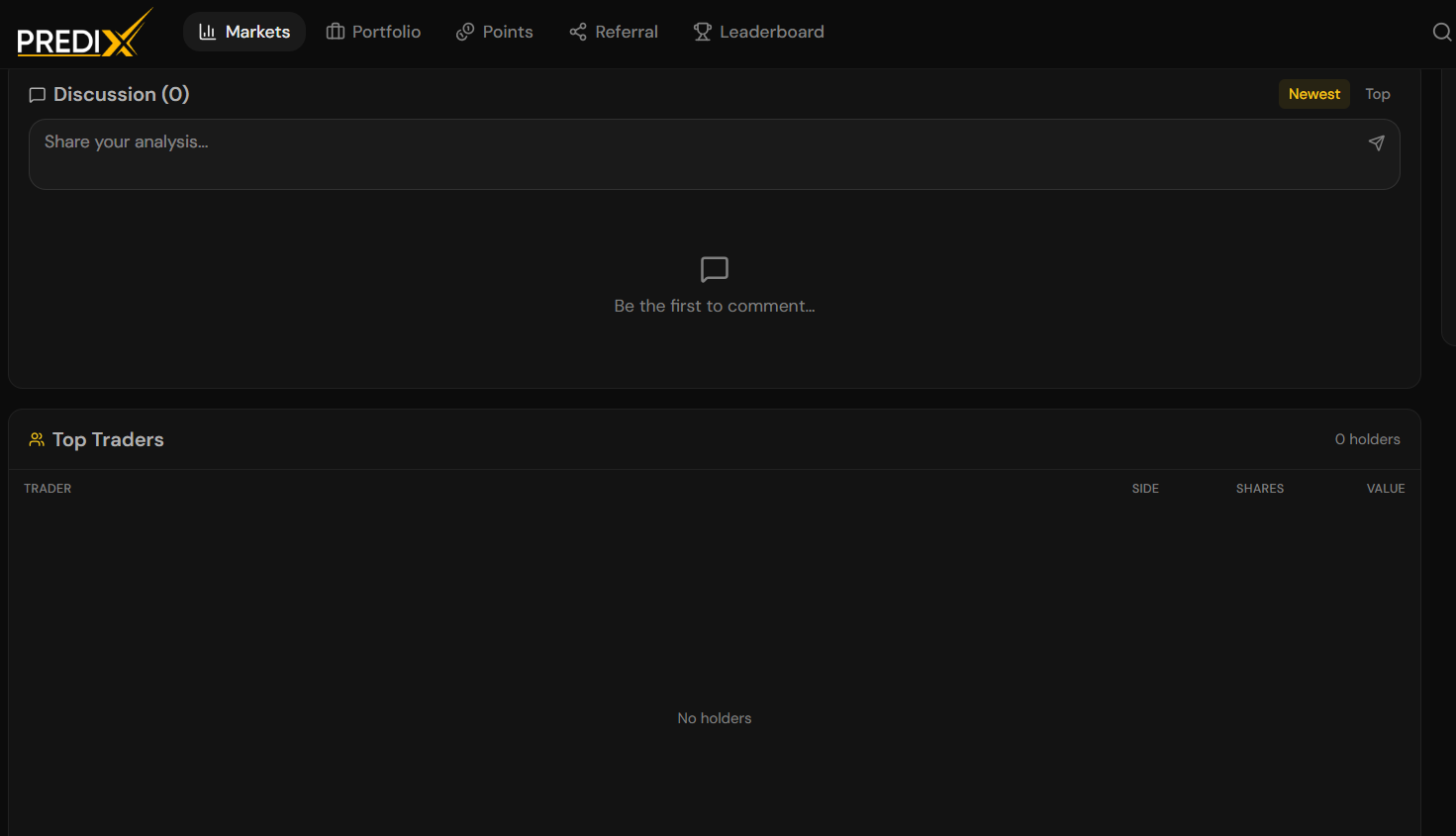
| Social & Discussion | Comment on markets, follow a global activity feed, publish long-form posts, and participate in community moderation. | discussion.md | 41.png | discussion.md | null | |
| Leaderboard & Traders | Rank traders by P&L, volume, accuracy, and streak; follow public profiles; configure copy trading. | leaderboard.md | 42.png | leaderboard.md | null |
Quick start
Section titled “Quick start”New to the app?
Open Chart & timeframe to learn how to read a prediction market chart.
Want to be notified when something happens?
Go to Notifications & alerts.
Looking for traders to learn from or copy?
Want to discuss markets with other traders?
See Discussion & social.